Sequence drums.
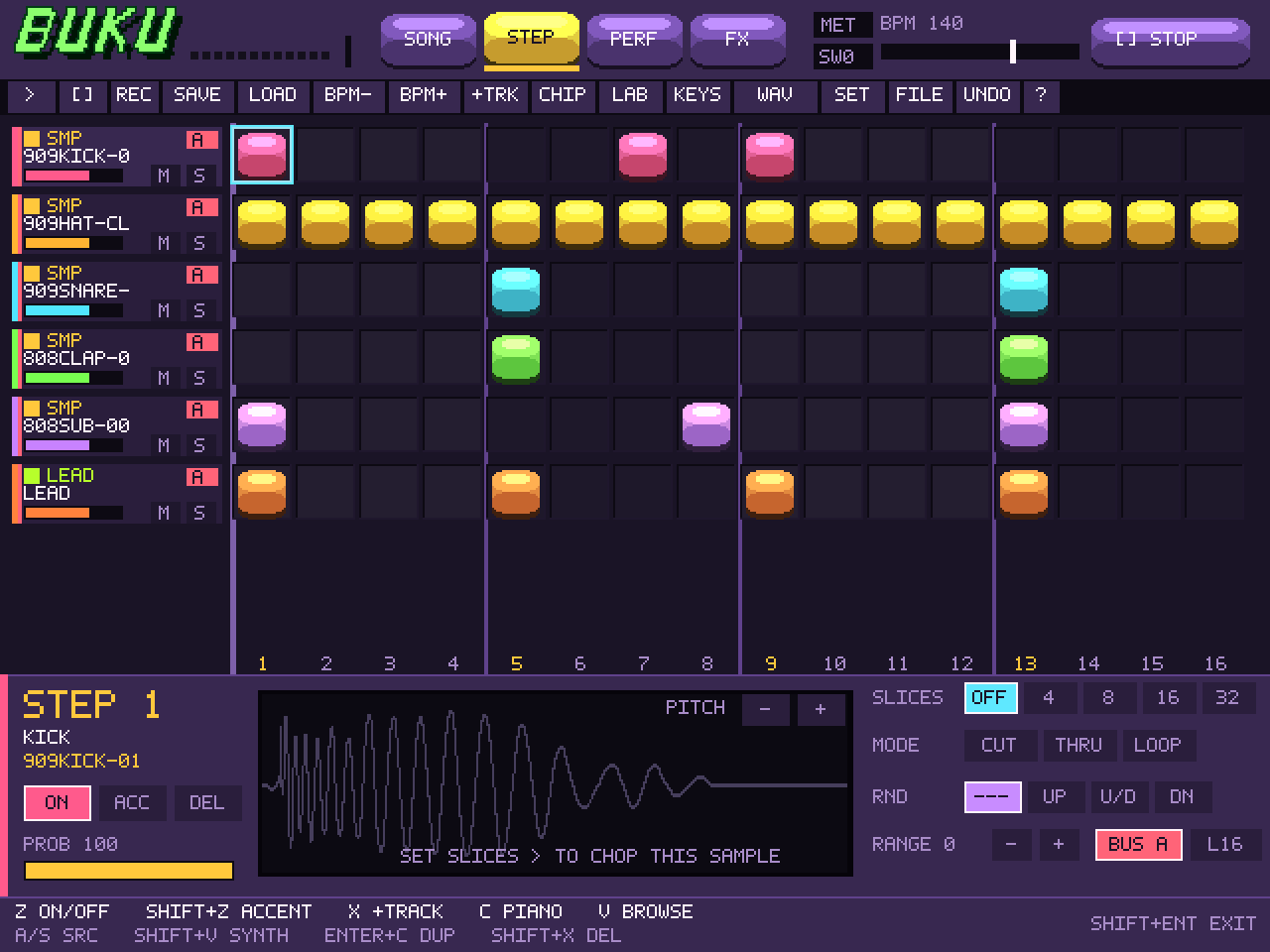
Up to 8 tracks, 16 patterns, and 64 steps. Edit drum patterns, adjust swing, and arrange pattern chains.
Free browser groovebox
A free browser sequencer, sampler, and synth. Built by Buku.
For the love of the game.
01 / Features
Sequence drums. Chop WAV samples. Add effects. Save projects and export WAVs.
Up to 8 tracks, 16 patterns, and 64 steps. Edit drum patterns, adjust swing, and arrange pattern chains.
Import WAVs and slice them into 4, 8, 16, or 32 pieces. Add synth instruments and adjust pitch.
Drive, filters, bitcrushing, delay, and reverb, with three effects buses.
Open the studio and press Space. Click a step to place a hit; click it again to take it out.
Pick a track and hit CHIP for sounds, LAB for synths, or FX to shape the mix. Import a WAV to load your own samples.
Save your project to take the pattern and imported samples with you. Record WAV captures the live mix; press again to download it.
03 / Donations
BukuLoops is free to use. Donations help me keep building it.
FAQ
Yes. The studio, instruments, effects, sample import, project saving, and WAV export are all free. Donations are optional and don’t unlock extra features.
A modern browser with WebAssembly and Web Audio support. A laptop or desktop with a mouse and keyboard gives you the most room to play. Headphones are a good idea.
Your session and imported samples are stored in this browser on this device. Audio is processed locally. Clearing site data removes local saves, so use Save project to keep a portable backup. There is no cloud music library.
Yes—import WAV files up to 20 MB each. The sampler uses the first 6 seconds of each file. Save project includes your imported samples so you can reopen the beat on another device. Use sounds you have permission to use.
Press Record WAV, then play your beat. Press it again to download your live master recording as a WAV. Each take can be up to two minutes; longer arrangements can be recorded in separate takes.